# colorpie
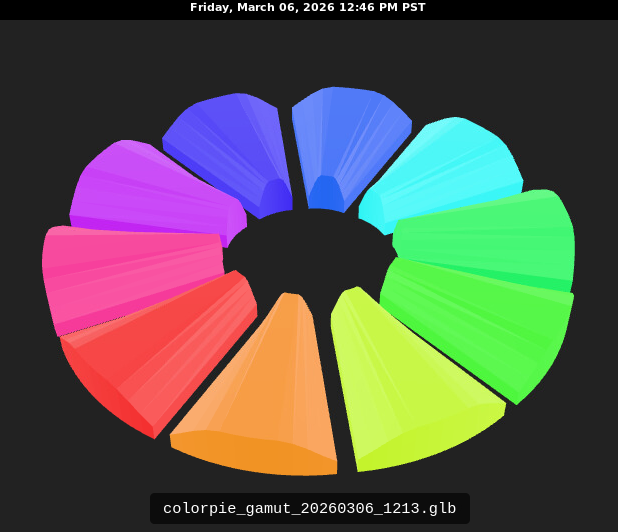
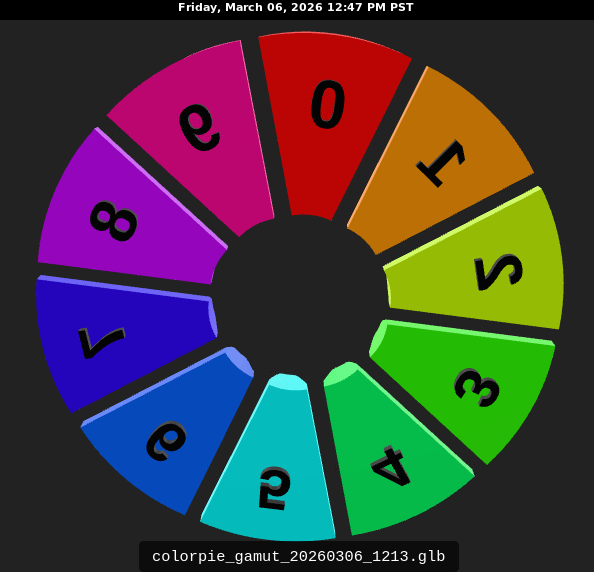
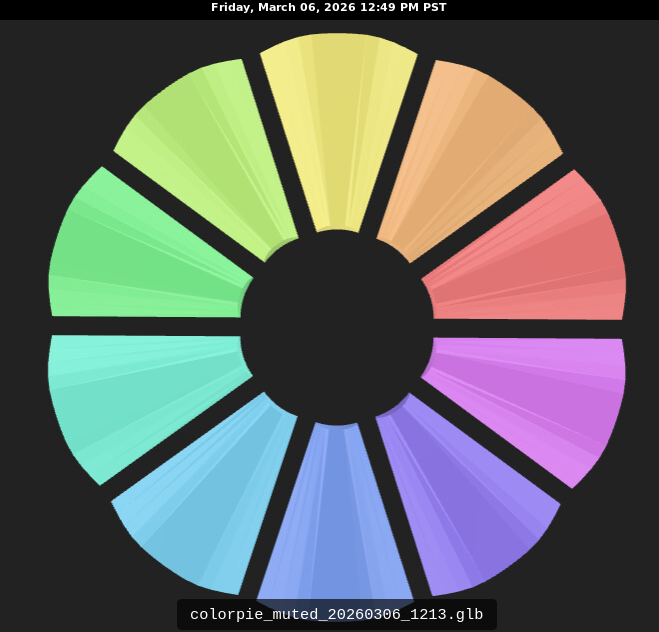
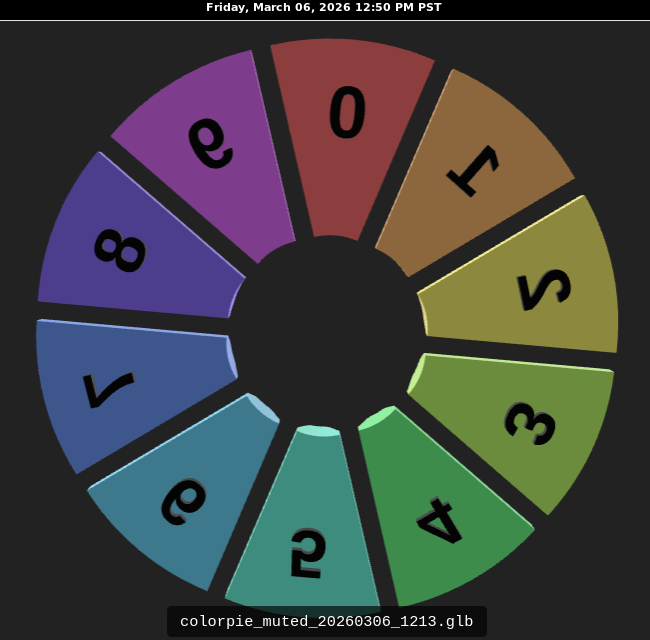
A tool to visualize color settings when an STL file is converted into a GLB. Being able to define a color wheel of 10 colors allows one to hone in of the desired color that the GLB should display.
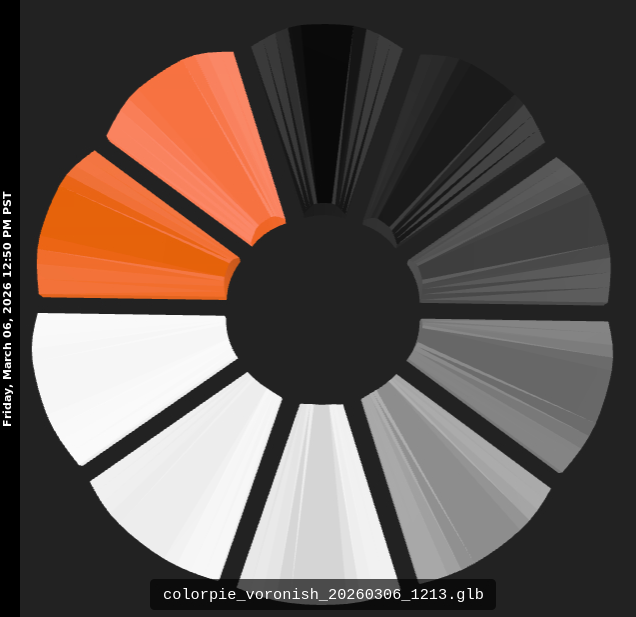
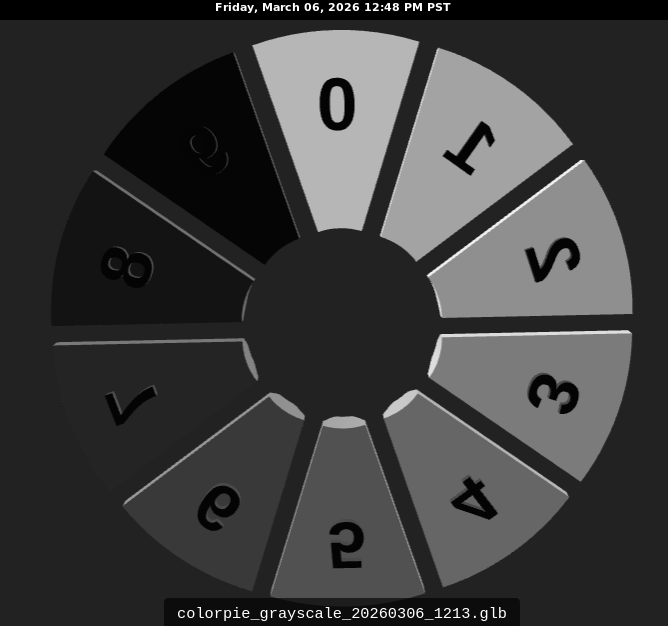
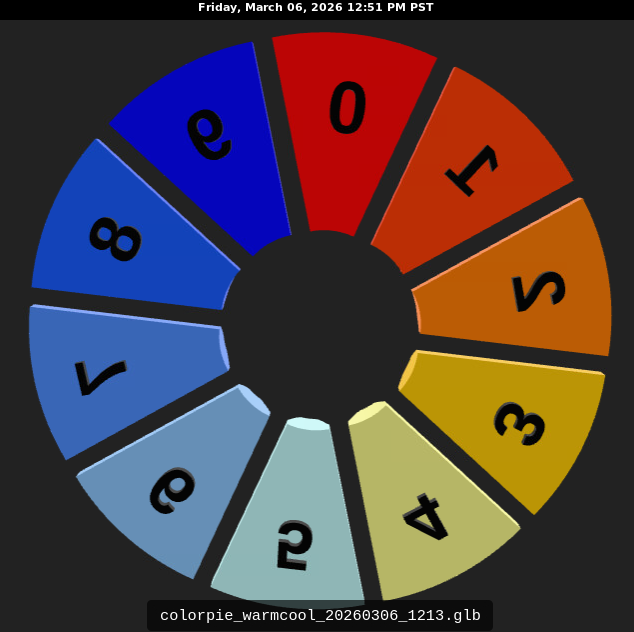
The model is designed with each sliver of the pie having faceted edges and "table" or "crown" like a diamond in orer to evaluate the color.
This was developed using ChatGPT.
# Prerequisite
Python
Blender. I used 5.0.0, this project probably is compatible with older versions as it is a very simple use of Blender. https://www.blender.org/
OpenSCAD (optional) if you want to alter the model.
# Example usage
Here are some colorpie examples:
## 1. Full-spectrum hue wheel
Use 10 hues spaced 36° apart around HSV/HSL hue space. A good vivid set is:
```text
FF0000
FF9900
CCFF00
33FF00
00FF66
00FFFF
0066FF
3300FF
CC00FF
FF0099
```
Command:
```bash
blender-bin-5.0.0 --background --python scripts/create_glb_colorpie.py -- \
scad/wedge.stl glb/colorpie_gamut_20260306_1213.glb \
--hexes FF0000,FF9900,CCFF00,33FF00,00FF66,00FFFF,0066FF,3300FF,CC00FF,FF0099
```
That is the best “walk the gamut” wheel for visual comparison.
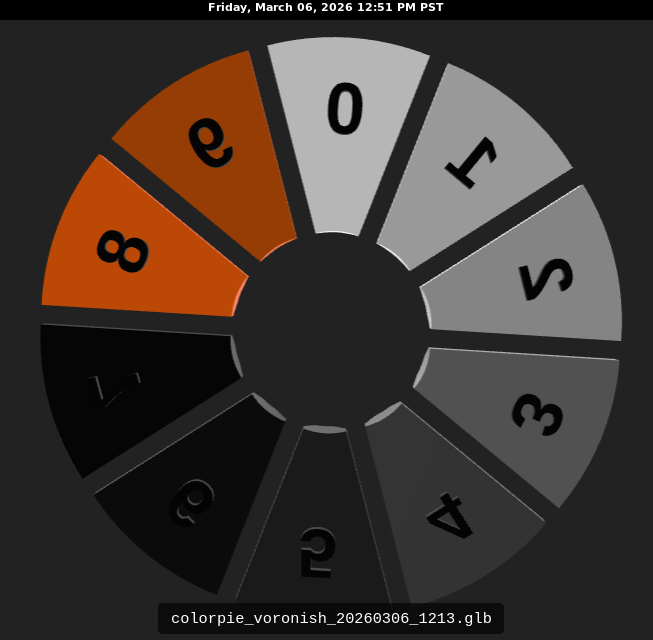
## 2. Voron-oriented wheel
If you want a Voron-flavored wheel, I would not call it canonical unless you have exact house values, but a useful practical set would be:
```text
FFFFFF
D9D9D9
BFBFBF
808080
606060
404040
202020
000000
FF6600
CC5500
```
Command:
```bash
blender-bin-5.0.0 --background --python scripts/create_glb_colorpie.py -- \
scad/wedge.stl glb/colorpie_voronish_20260306_1213.glb \
--hexes FFFFFF,D9D9D9,BFBFBF,808080,606060,404040,202020,000000,FF6600,CC5500
```
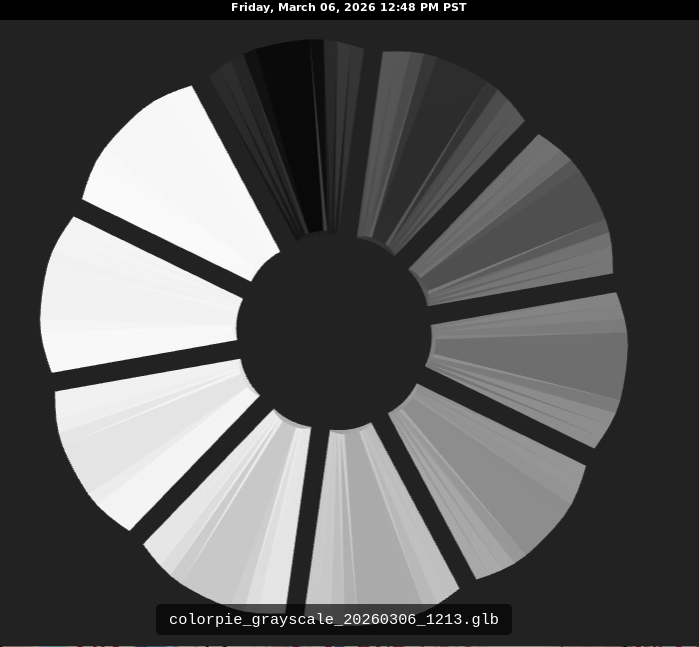
## 3. Neutral grayscale wheel
This is useful for studying lighting and reflectance without hue distractions:
```text
FFFFFF
E6E6E6
CCCCCC
B3B3B3
999999
808080
666666
4D4D4D
333333
000000
```
Command:
```bash
blender-bin-5.0.0 --background --python scripts/create_glb_colorpie.py -- \
scad/wedge.stl glb/colorpie_grayscale_20260306_1213.glb \
--hexes FFFFFF,E6E6E6,CCCCCC,B3B3B3,999999,808080,666666,4D4D4D,333333,000000
```
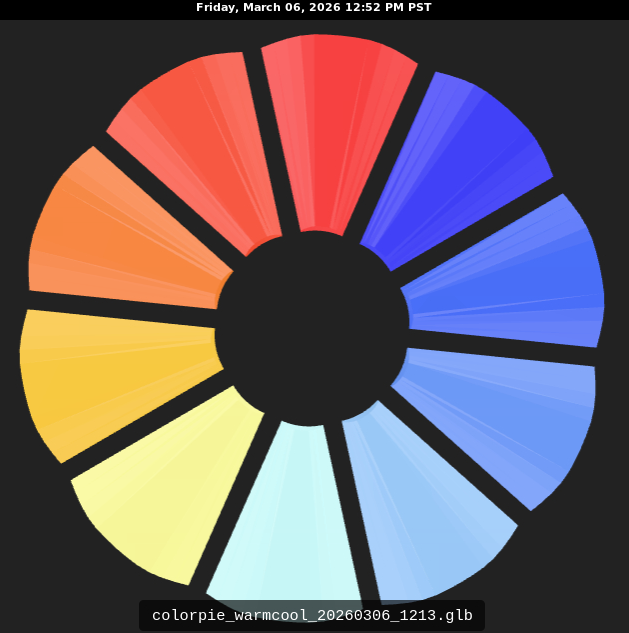
## 4. Warm-to-cool wheel
This is a good comparison set for perceptual differences:
```text
FF0000
FF4000
FF8000
FFCC00
FFFF99
CCFFFF
99CCFF
6699FF
3366FF
0000FF
```
Command:
```bash
blender-bin-5.0.0 --background --python scripts/create_glb_colorpie.py -- \
scad/wedge.stl glb/colorpie_warmcool_20260306_1213.glb \
--hexes FF0000,FF4000,FF8000,FFCC00,FFFF99,CCFFFF,99CCFF,6699FF,3366FF,0000FF
```
## 5. Low-saturation “printer realism” wheel
This is useful because many real plastics are not neon-vivid:
```text
C96A6A
C99A6A
C9C36A
9FC96A
6AC97A
6AC9B5
6AAFC9
6A86C9
7C6AC9
B56AC9
```
Command:
```bash
blender-bin-5.0.0 --background --python scripts/create_glb_colorpie.py -- \
scad/wedge.stl glb/colorpie_muted_20260306_1213.glb \
--hexes C96A6A,C99A6A,C9C36A,9FC96A,6AC97A,6AC9B5,6AAFC9,6A86C9,7C6AC9,B56AC9
```