| .. | ||
| [o]_stealthburner_LED_carrier.stl.png | ||
| README.md | ||

![[o]_stealthburner_LED_carrier.stl.png](/repo/jlpoole/voronstl/src/commit/7f49ae02bfe882bb571493d59cc8c338d39c5c31/exercises/create_png_from_glb/%5Bo%5D_stealthburner_LED_carrier.stl.png)
Goal
Create a PNG file from a glb (= glTF binary = Graphics Library Transmission Format https://en.wikipedia.org/wiki/GlTF).
Introduction
This exercise will walk thorugh the creation of a PNG from the included glb. The purpose is to show the steps taken to create the PNG which can be duplicated in a mass conversion script.
You will be using the command console.
The scripts run will create a small server; however, it will automatically select a port needed for the process so you do not have to be concerned of a port conflict, e.g. 3001, if you have another server running elsewhere on the system. The kernel selects a currently unused high-numbered port (typically in the 32768–60999 range on Linux).
Prerequisites
Node package: puppeteer
Steps
Open a command console and change to the following subdirectory:
cd web/batch_glb_png/glbs
for this exercise, create a soft link within glbs to just one file, we're only goint to perform a single PNG to demonstrate the scripts. Normally, directory glbs will have links to the actual glbs staged (how those links are created is another exercise)
 ln -s ../../'[o]_stealthburner_LED_carrier.stl.glb' .

 Note: remember to unlink this test file after this exercise so you do not pollute a future attempt to mass produce PNGs
Example:
~/work/Voron/voronstl/web/batch_glb_png/glbs $ ln -s ../../'[o]_stealthburner_LED_carrier.stl.glb' .
Change to to the upper directory from within web/batch_glb_png and then launch the conversion script. Note the run will use the job.json I created, when time comes when you want to use yours, then specify the path and filename to your PNG profile:
cd ../batch_glb_png
date;time node batch_render.js job.json
Example:
jlpoole@jp ~/work/Voron/voronstl/web/batch_glb_png $ date;time node batch_render.js job.json
Wed Mar  4 18:17:13 PST 2026
PAGE console: error Failed to load resource: the server responded with a status of 404 (Not Found)
PAGE console: warn [.WebGL-0x7a40014ea00]GL Driver Message (OpenGL, Performance, GL_CLOSE_PATH_NV, High): GPU stall due to ReadPixels
PAGE console: warn [.WebGL-0x7a40014ea00]GL Driver Message (OpenGL, Performance, GL_CLOSE_PATH_NV, High): GPU stall due to ReadPixels
PAGE console: warn [.WebGL-0x7a40014ea00]GL Driver Message (OpenGL, Performance, GL_CLOSE_PATH_NV, High): GPU stall due to ReadPixels
WROTE   /home/jlpoole/work/Voron/voronstl/web/batch_glb_png/pngs/[o]_stealthburner_LED_carrier.stl.png

real    0m1.667s
user    0m1.327s
sys     0m0.423s
jlpoole@jp ~/work/Voron/voronstl/web/batch_glb_png $
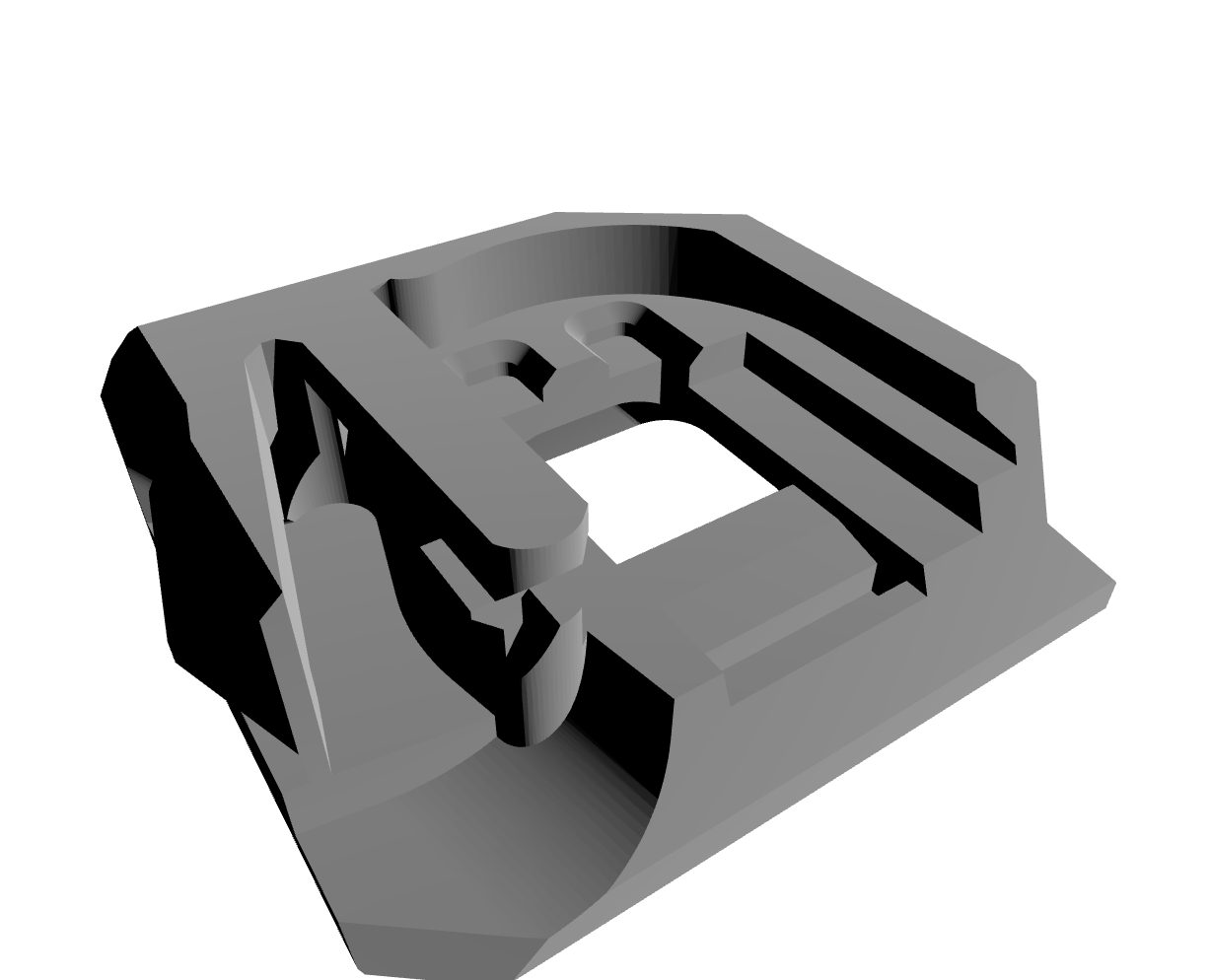
Result: a PNG 1227 × 994:
Cleanup the link you created:
 cd web/batch_glb_png/glbs
 unlink '[o]_stealthburner_LED_carrier.stl.glb'
Conclusion
Using the steps above, you created a single PNG from a glb.
The next step is to fill the glbs directory with links to the glbs perviously generated by Blender and then execute the same/similar command from within the '''web/batch_glb_png ''' directory:
node batch_render.js [your PNG specification, if you want]
that will create a PNG for every glb.
Note: the names of the links created by the create_glb_links.sh has the files path built in to assure uniqueness and provide a provenance. Since these links are used only by the glb->PNG process, I've gone the extra step of including the original project and directory path in the file name to help identify the file. The PNGs will just use the file's name and not the additional prepended path characters.