Making your ESP32 Talk.
YouTuber Dronebotworkshop published a video “Text to Speech on ESP32 – Wit.ai & OpenAI TTS“. “Text to Speech” is often referred to by the acronym TTS. His solution encompasses using third-party services, specifically Meta and OpenAI. For Meta, you have to have an account and you create an application within your account; the service is free. For OpenAI, you have to pay for the usage.
I prefer not to depend on third-party services whose pricing, availability, privacy policies, or terms of use may change. Hosting my own TTS service would keep the entire ESP32 workflow under my control. So I asked ChatGPT what current solution could I stage on my AMD Ryzen 7950 based server. Staging my own TTS server would allow me to utilize Dronebotworkshop’s solution completely in-house. ChatGPT came back with three recommendations and an estimate of their requirements
Approximate resource requirements
| Engine | Model/checkpoint disk | Complete installed footprint | Runtime system RAM | GPU VRAM | CPU-only practicality |
|---|---|---|---|---|---|
| Piper, one medium English voice | 30–75 MB | 150–500 MB | 150–500 MB | Not required | Excellent |
| Kokoro-82M | ~330–350 MB | 1.5–4 GB | 1–3 GB | ~1–2 GB if accelerated | Good |
| Qwen3-TTS 0.6B | ~1.2–2 GB | 5–10 GB | 4–8 GB | ~3–4 GB | Possible, but slower |
| Qwen3-TTS 1.7B | ~3.4–5 GB | 8–15 GB | 8–16 GB | ~8–10 GB | Generally inconvenient |
“Complete installed footprint” includes the Python virtual environment, PyTorch or ONNX runtime, phonemization data, audio libraries, and ancillary model files. Exact sizes vary considerably with CUDA support and whether dependencies are shared.
I then asked if I could generate samples of each of the suggestions without having to install them and ChatGPT provided URLs to sites where I could generate samples.
I generated the same test passage with all three systems and compared the resulting audio below. This blog post shares the results.
The test text:
Reticulum and microReticulum communicate through LoRa radios.
Chad Atterman develops microReticulum, while Lew Pal develops Leviculum.
The PostgreSQL database contains timestamps such as 20260713_014527.
The pathogen Pseudomonas aeruginosa was identified by an otorhinolaryngologist.
Mark Qvist pronounced RNS.Resource as R N S resource.
The coordinates are 44.93642012667761 degrees north and
123.02203699545396 degrees west.
The three demonstration sites
Piper
https://piper.ttstool.com Note: you have to download at least 1 model and store in your browser’s cache in order to test anything. I tried cori medium and high.

cori-high (1.9 MB):
cori-medium (2 MB):
Kokoro
https://huggingface.co/spaces/hexgrad/Kokoro-TTS
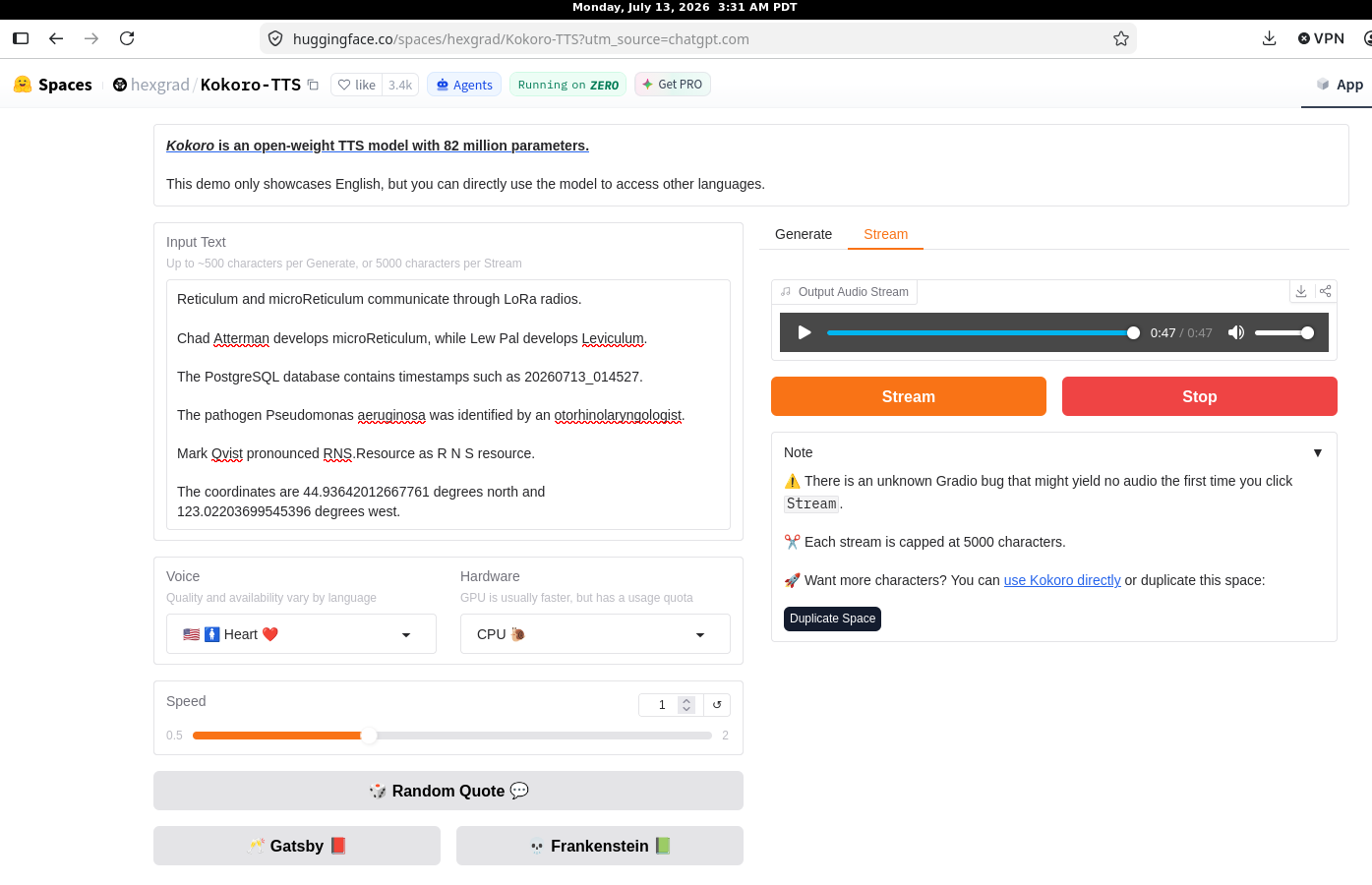
Kokoro result (2MB):
Qwen3-TTS
https://huggingface.co/spaces/Qwen/Qwen3-TTS Note: you are limited by Hugging Face to a usage allowance. Also, select the 3rd and rightmost tab “TTS (CustomizedVoice)”
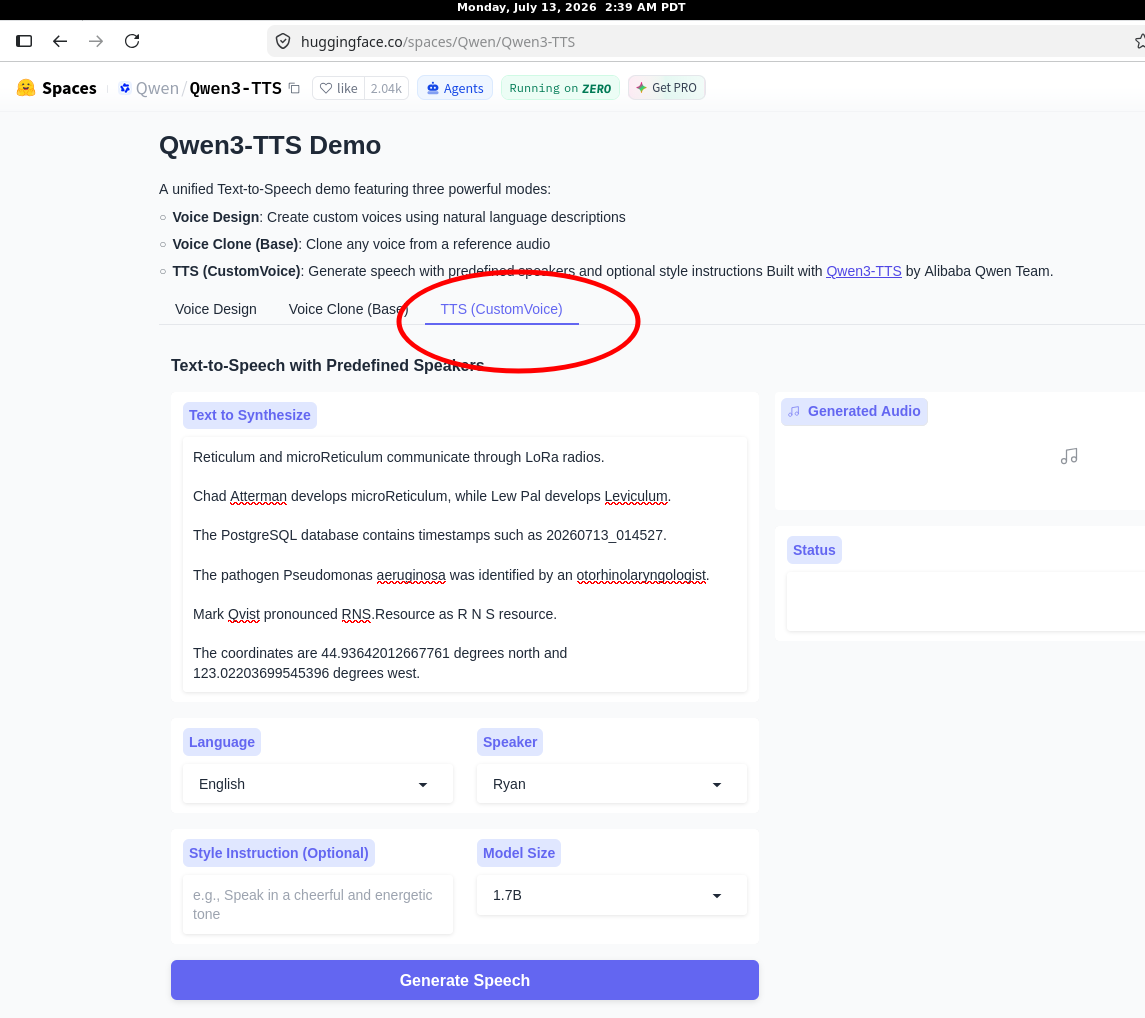
I used the 1.7B first. I then tried the smaller model and my HuggingFace allowance was consumed, so the attempt failed.
QWEN3-TTS 1.7B model (3MB)
Conclusion:
All three systems produced good results with a deliberately difficult passage containing technical names, acronyms, timestamps, medical terminology, and precise coordinates. Qwen3-TTS and Kokoro offer impressive speech quality, but Piper has substantially lower resource requirements and can run comfortably without a GPU. I will probably begin with Piper’s cori-medium voice for the in-house ESP32 service.
Leave a Reply